


 Fashion for Ladies

Portkeys LH5C Wired Control for Panasonic S5 IIX
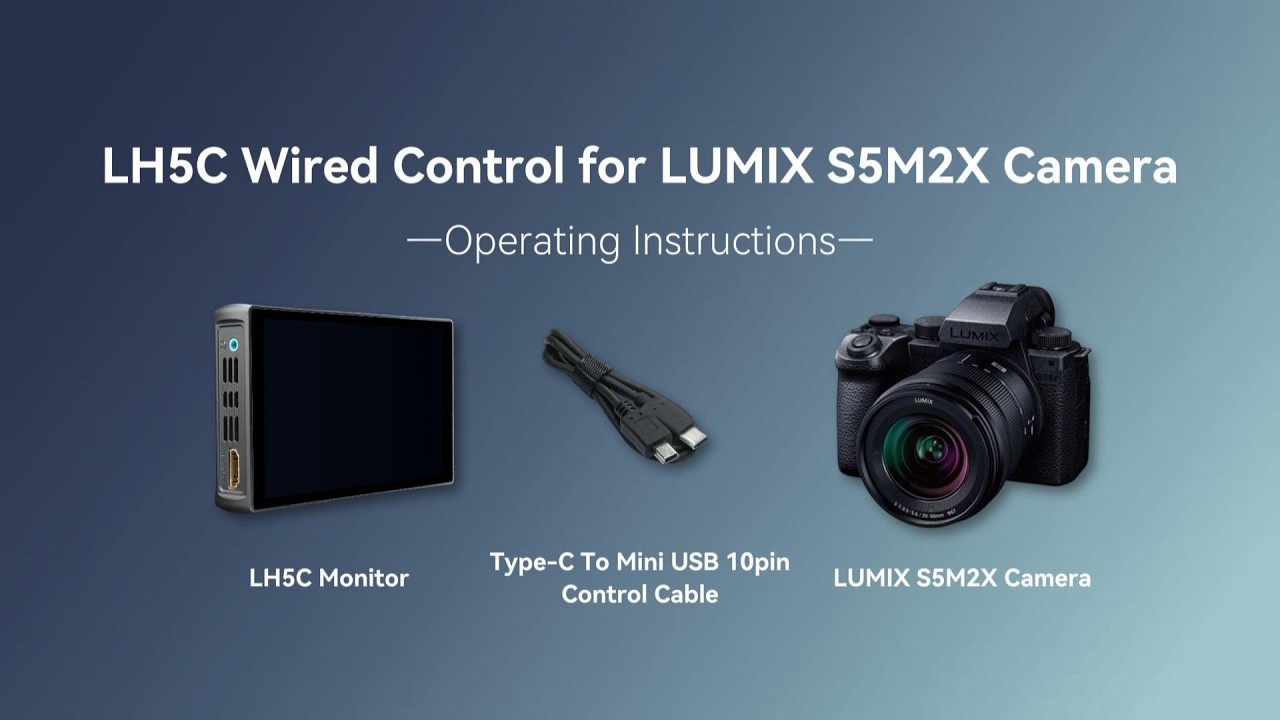
Portkeys has a new video tutorial that shows you step-by-step how to connect a Portkeys LH5C monitor to a Panasonic S5 IIX camera for wired control.
Key Steps for Setup:
- Physical Connection– Plug the Type-C control cable into the camera and the mini USB 10-pin connector into the monitor’s remote port.
- Camera Configuration– When the camera screen displays a USB mode prompt, select Remote Shooting.
- Monitor Configuration– On the monitor, tap the menu, select Camera, and then select USB to establish connection.
Camera Control Features:
Once connected, you can manage the following directly from the monitor:
- Recording– Start/stop video recording.
- Photo Capture– Trigger the shutter in still photo mode.
- Exposure Settings– Adjust iris, shutter speed, and ISO.
- Focus– Perform touch focus directly on the monitor screen.
- White Balance– Change WB modes and adjust the kelvin color temperature.
- Exposure Compensation– Adjust EV values when in automatic modes.
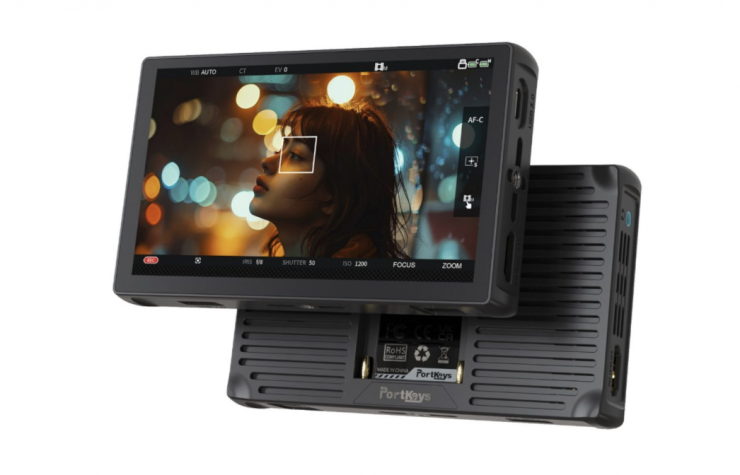
If you are not familiar with the Portkeys LH5C, it is a lightweight and affordable 5.4-inch on-camera monitor with HDMI video input/output ports and wired camera control capabilities.
The Portkeys LH5C features a lightweight 5.4” 10-bit (8+2 FRC) 1080p (1920 x 1152) resolution LCD touchscreen with a claimed brightness of 800nits. It also offers a 1000:1 contrast ratio, a 178° viewing angle, Rec.709 color, and 85% DCI-P3 coverage.
Lightweight
The LH5C weighs in at just 162g / 5.7oz, and it has physical dimensions of 3.5 x 8.2 x 2.2cm / 5.3 x 3.3 x 0.8in, which makes it suitable for use on mirrorless hybrids and small-sized digital cinema cameras.
Inputs/Outputs & Supported Resolutions
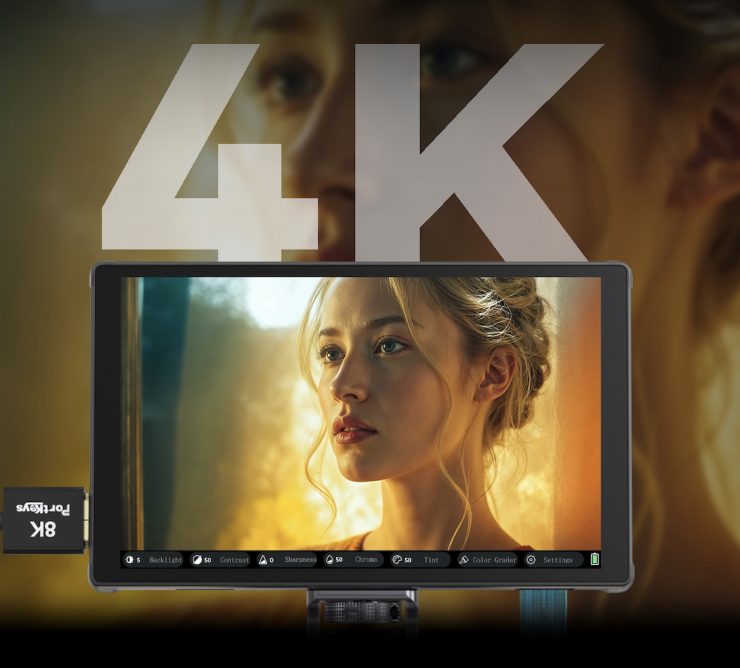
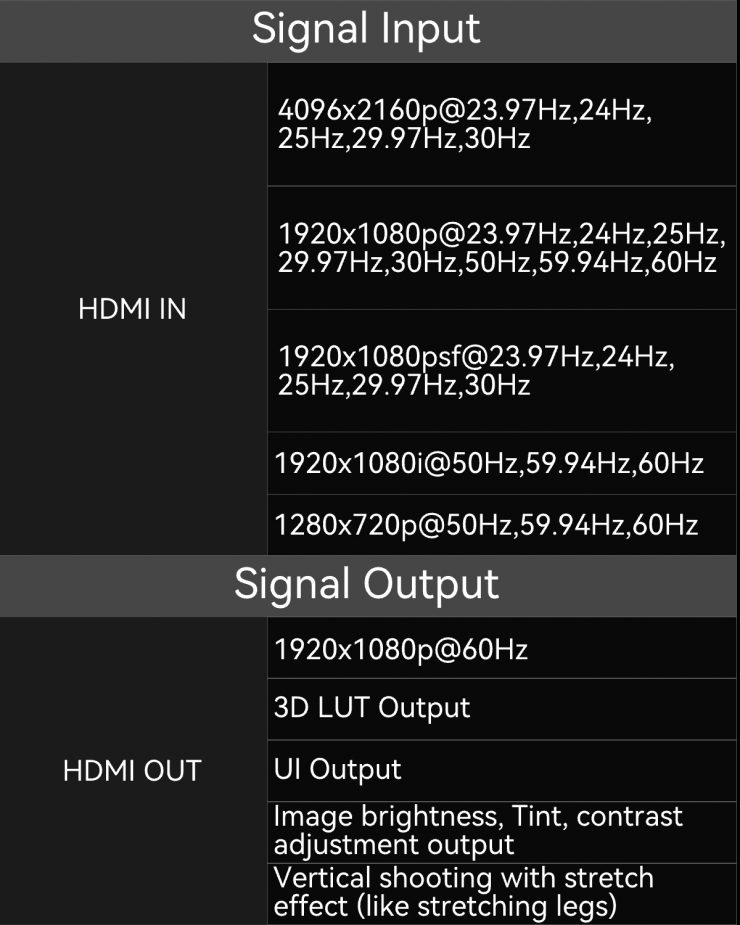
Over HDMI, the monitor can accept input resolutions of up to DCI 4K 30p and 1080 60p.
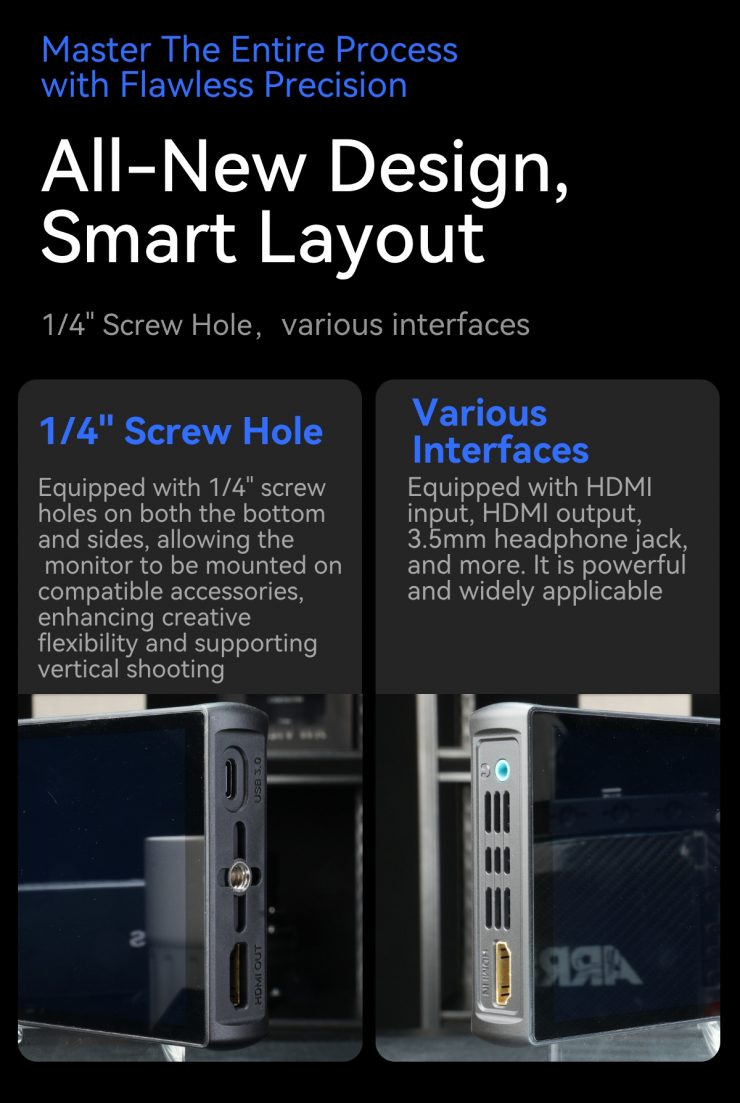
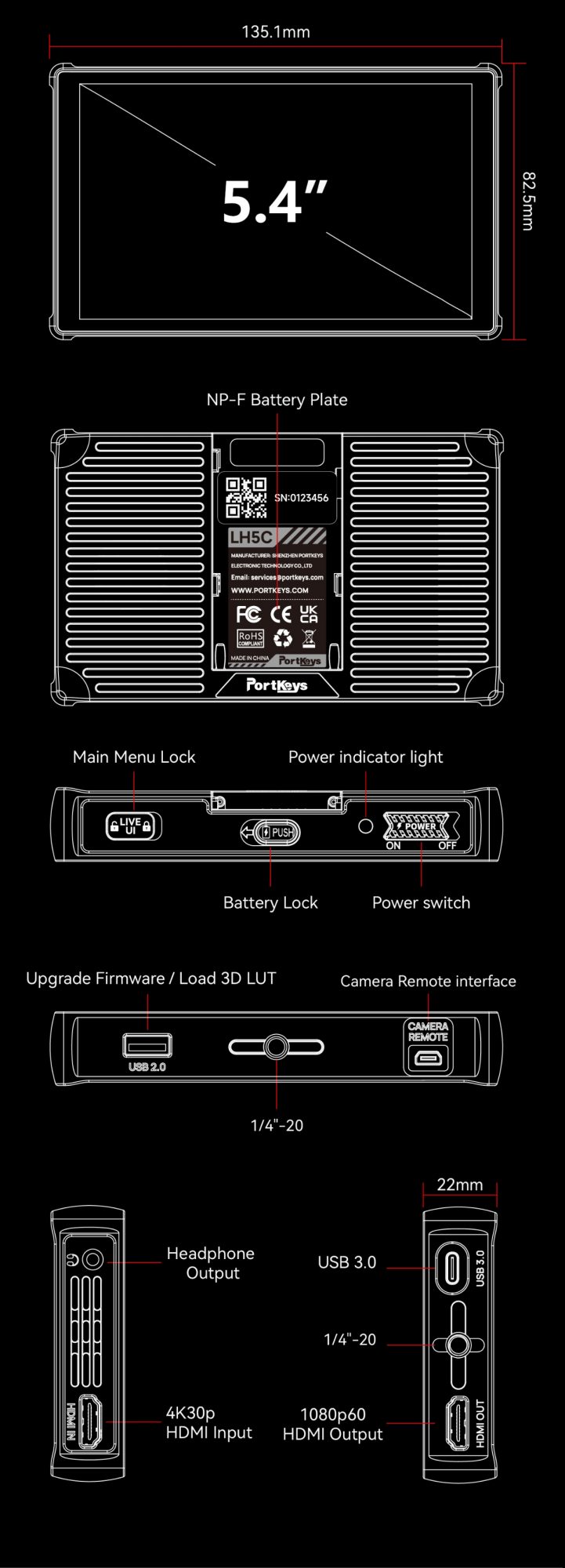
The HDMI input is adjacent to the 3.5mm headphone output on the left side of the monitor, while the right side features an HDMI output port (up to 1080p60), a USB-C 3.0 5V power input port, and a 1/4”-20 mounting point with anti-twist grooves.
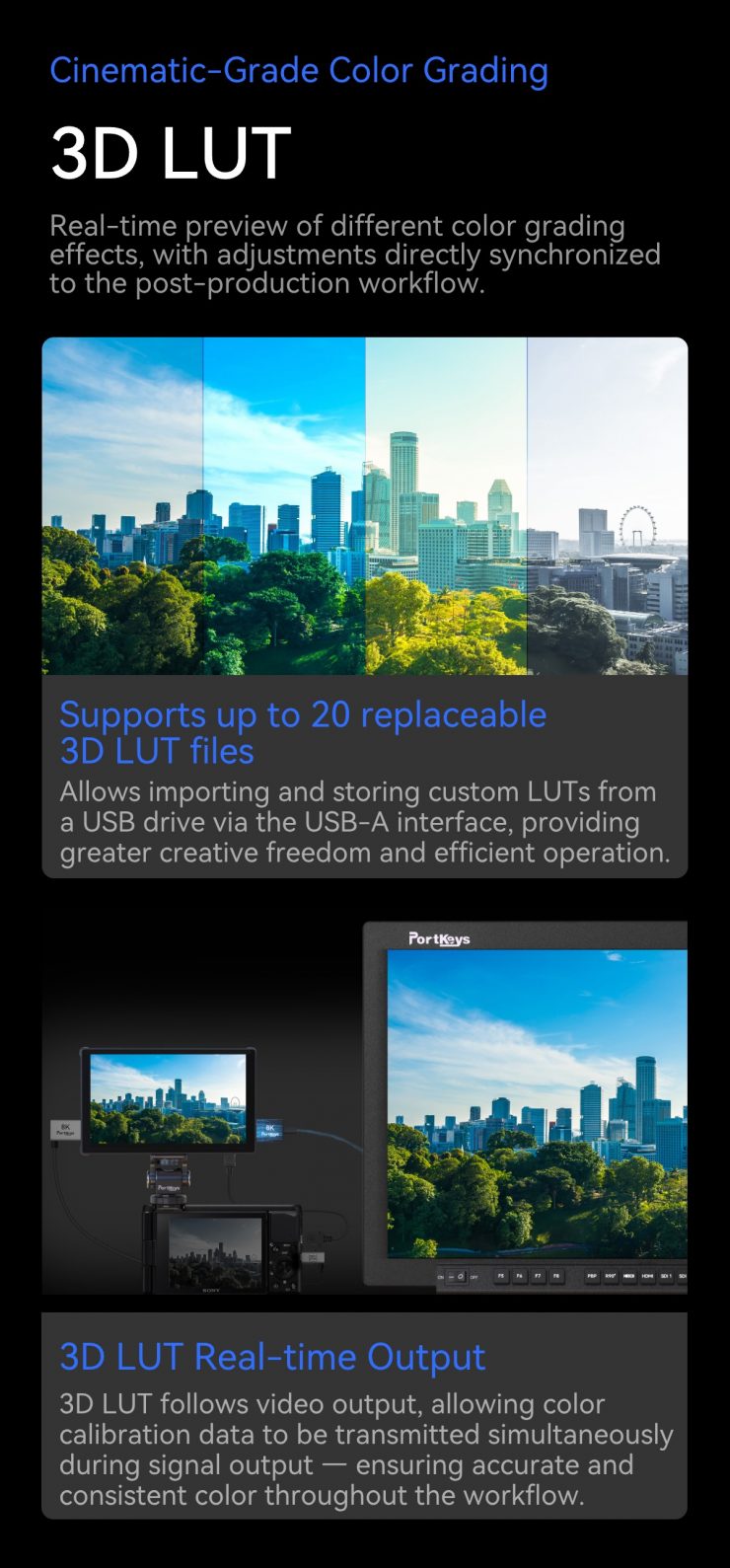
At the bottom of the LH5C is a USB-A port where users can load up to 20 custom LUTs and save freeze frame images onto the included mini USB stick. Additionally, there is a micro-USB camera remote port and another 1/4”-20 mounting point. You can mount the monitor to your camera via the included MH-2 cold shoe mount.
The top of the monitor features a main menu/UI lock switch, a power indicator, and a power switch.
Power
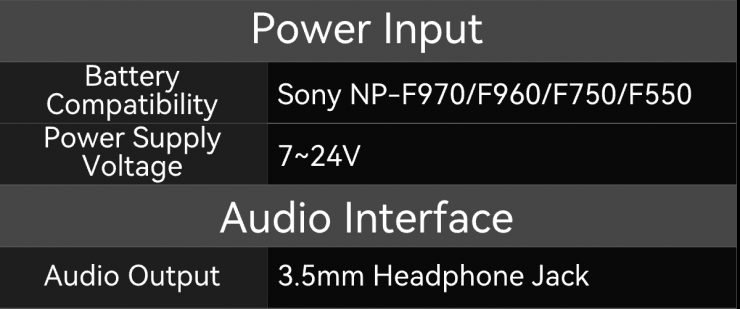
On the back of the monitor, there is a built-in Sony L-Series battery plate. The LH5C draws just 7.5W, so a small Sony NP-F550 battery can power the monitor for almost 3 hours. Additionally, the USB-C 3.0 5V power input can extend the monitor’s usage time by powering it via a power bank, V- Mount or Gold Mount battery.
MOVNORM OS
The Portkeys LH5C is powered by the MOVNORM OS, which was designed to be a minimalist and easy-to-use user interface. As you would expect, it includes all of the usual professional monitoring tools, including:
- 3D LUT monitoring with 3D LUT HDMI output capabilities. Up to 20 custom LUTs can be loaded via the USB-A port at the bottom of the monitor.
- Anamorphic images can be squeezed using 10 standard aspect ratios, which feature commonly used options like 1.33x, 1.5x, 1.8x, and 2.0x, along with the ability to input a custom aspect ratio ranging from 0.25x to 4.0x.
- The Freeze Frame feature enables you to save a frame onto a USB stick and combine it with the current image signal. This freeze frame capability can be especially beneficial for stop-motion filming, for instance.
- The 360° color grader enables you to alter the Hue and Saturation of a selected area in an image. You can precisely detect and isolate a specific color range within the image and modify it.
- Vertical extension: When capturing images in portrait mode, it is possible to elongate the lower section of the picture. The stretch leg tool functionality can be transmitted to the HDMI output.
- Focus tools, including peaking, custom peaking frame, and gesture zooming functions
- Image analysis and exposure tools, including RGB and Luma Waveform, Luma Histogram, Zebra, and customizable False Color with 13 different colors, including ARRI False Color.
- Framing tools: crosshair, check field, guides, grids, rectangle crop.
- Audio meters.
- Monitor adjustments: backlight, contrast, color temperature, sharpness, chroma, brightness, tint, HDR/HLG, and image flip (H/V).
Wired Camera Control
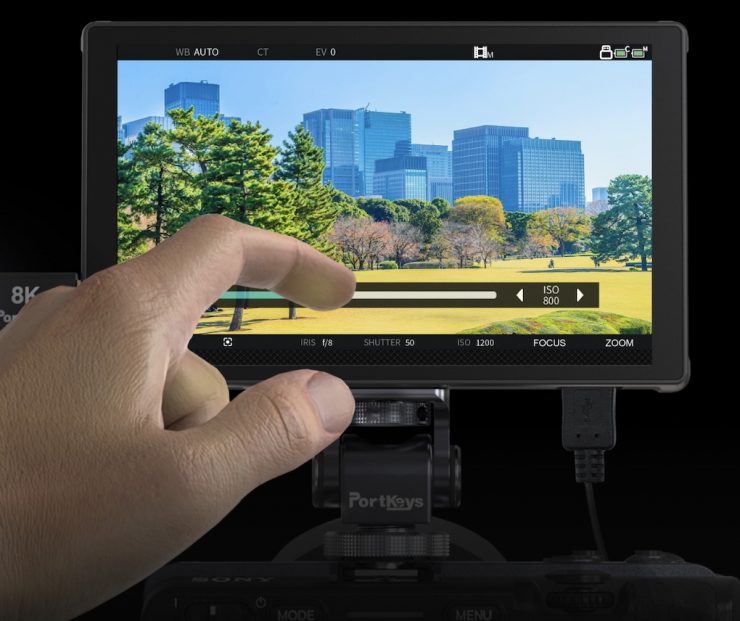
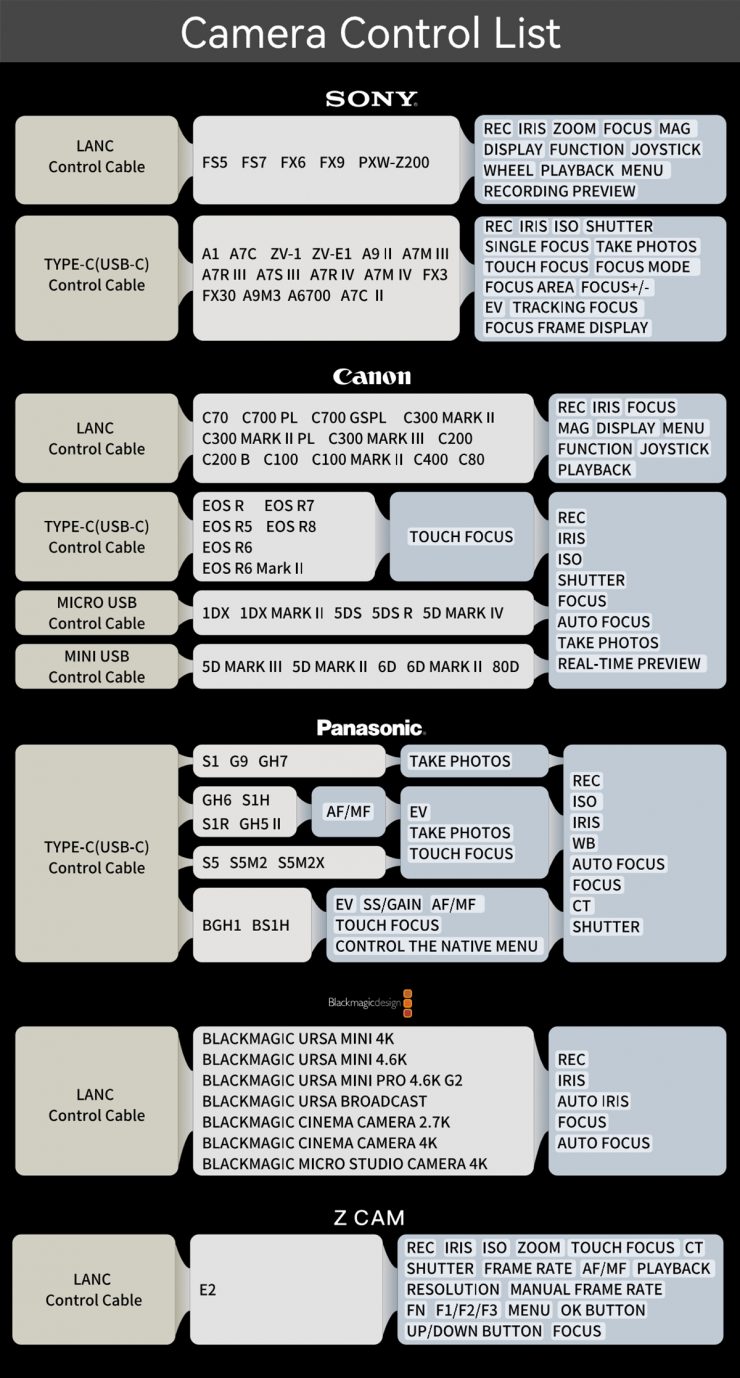
The LH5C features a dedicated CAMERA REMOTE interface, enabling wired camera control via a micro/mini USB, USB-C, or LANC control cable for supported models.
Users can adjust key camera parameters directly from the touchscreen. The monitor enables you to operate various cameras from brands like Sony, Canon, Panasonic, Z CAM, and Blackmagic Design. It is compatible with well-known models, including the Sony FX3, FX30, FX6, and the Canon EOS C80 and C40, among several others.
After establishing the connection between the monitor and the camera, users have the ability to modify settings such as aperture, shutter speed, ISO, and white balance right on the screen of the monitor. Additionally, for certain camera models, the LH5C features Touch Focus capabilities, enabling users to choose and adjust the camera’s focus point directly through the touchscreen.
Focus Tracking Frame
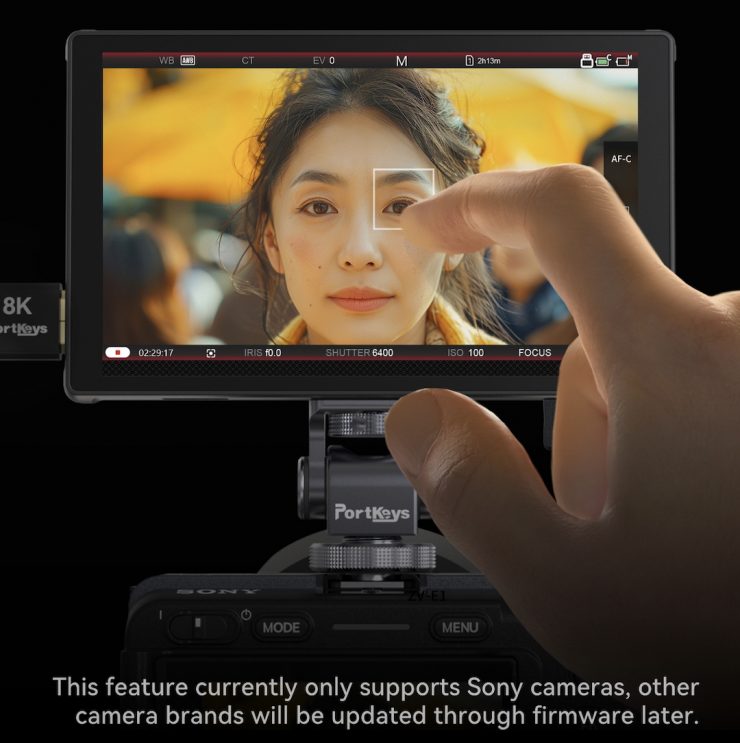
The Portkeys LH5C introduces a new autofocus feature: Focus Tracking frame, which is currently only available for Sony users. This feature lets you select and move your camera’s tracking frame box directly on the monitor’s touchscreen, making the LH5C feel like a natural extension of your mirrorless camera.
This feature will be available to use with other camera brands in the future via a firmware update.
What do you get?
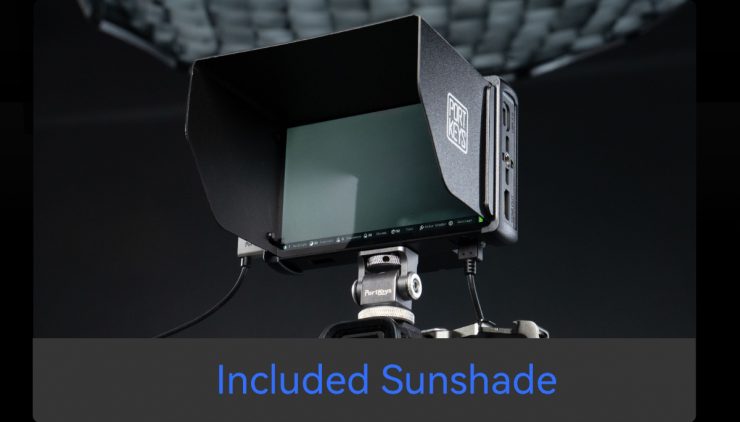
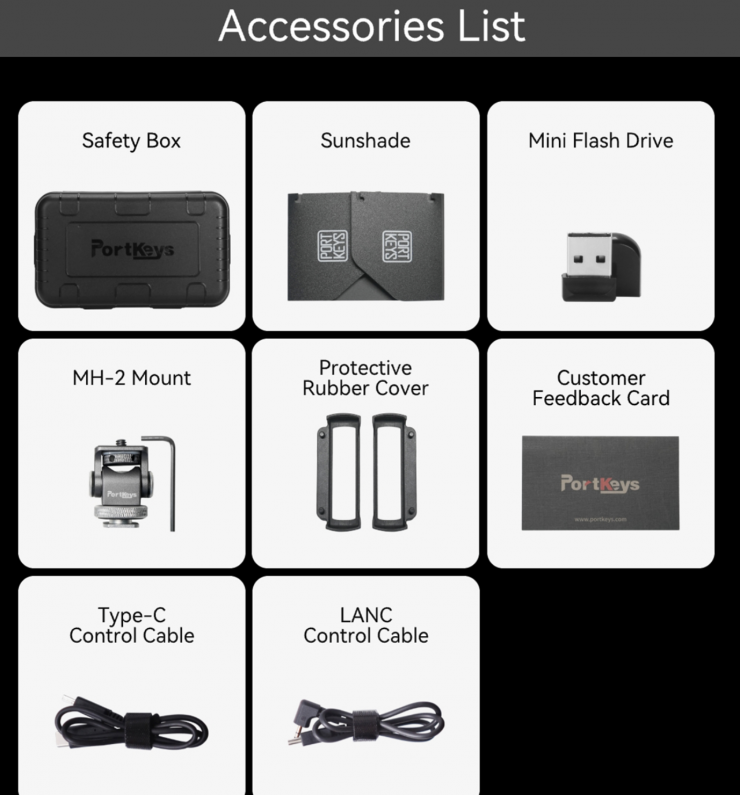
The Portkeys LH5C comes with a safety box, a mini USB stick, a sunshade with protective rubber covers, the MH-2 cold shoe mount, LANC control cable, and USB-C control cable.
Pricing & Availability
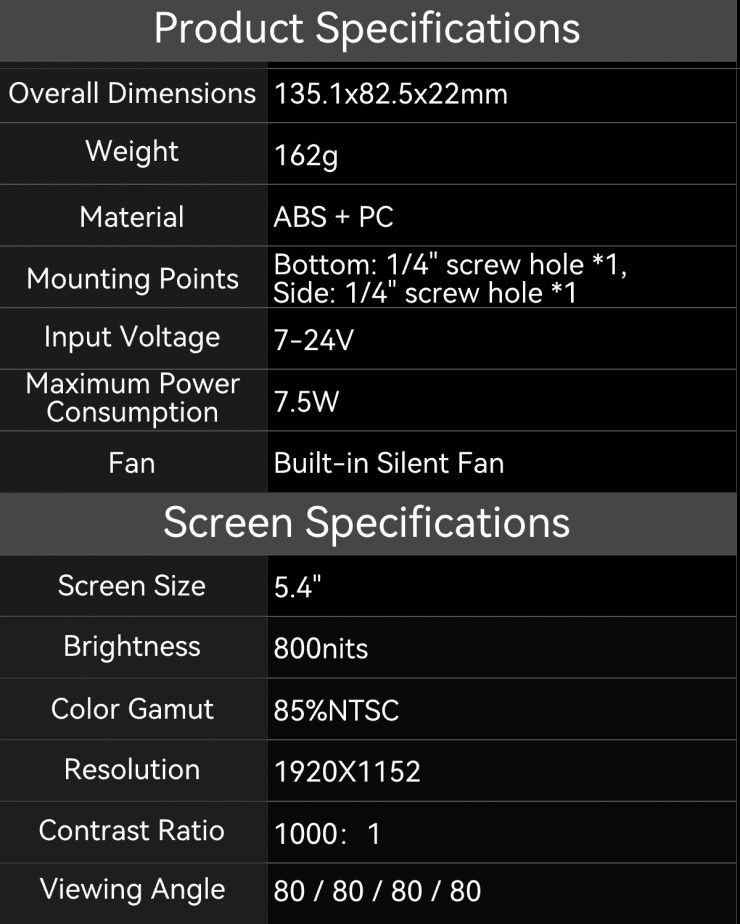
The Portkeys LH5C retails for $249 USD, which makes it a very affordable option if you are on a budget.
